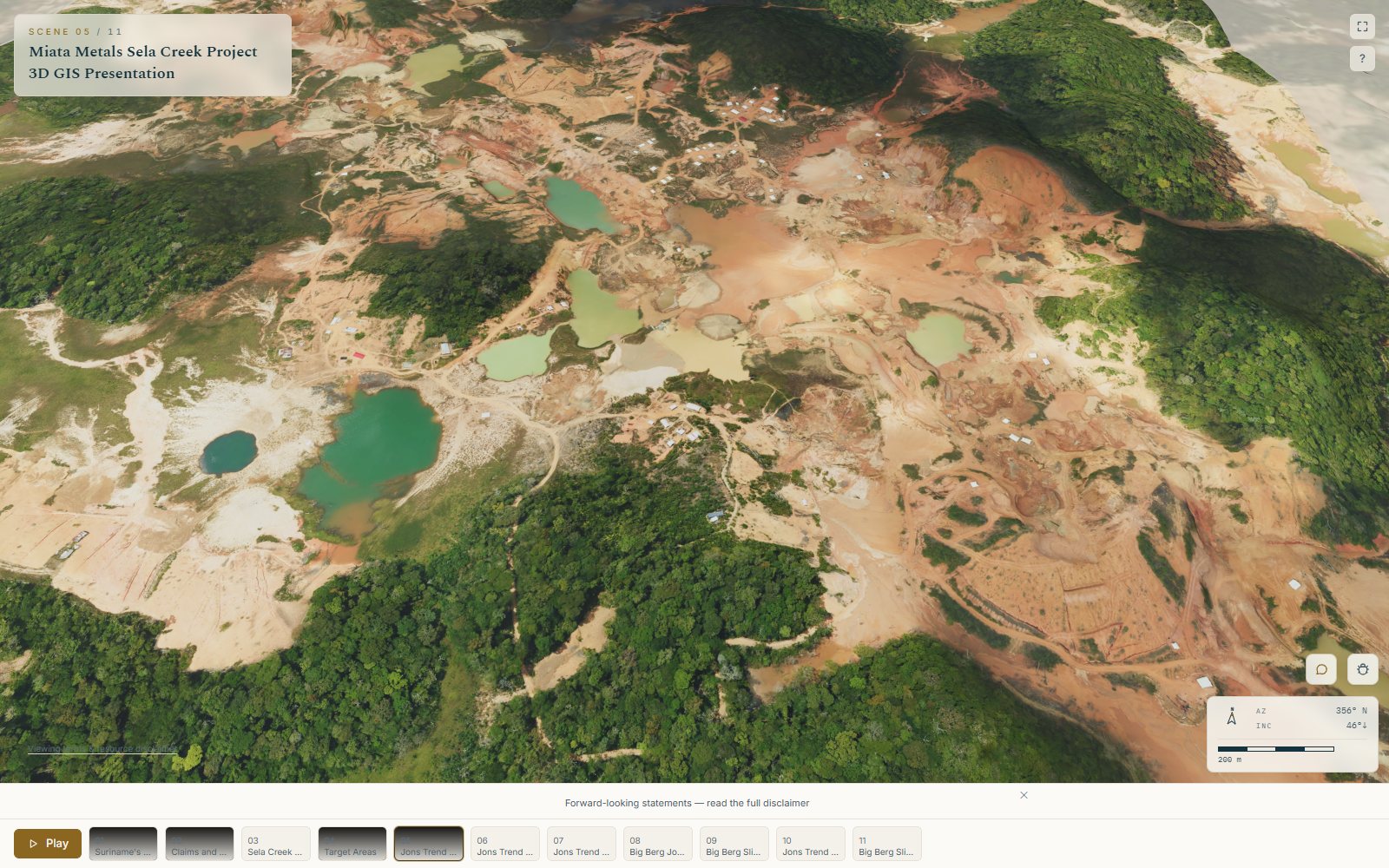
Drillholes
Collar, survey, assay and lithology CSVs. Columns are recognised and mapped for you, desurveyed into true 3D traces, and validated interval by interval.
Product
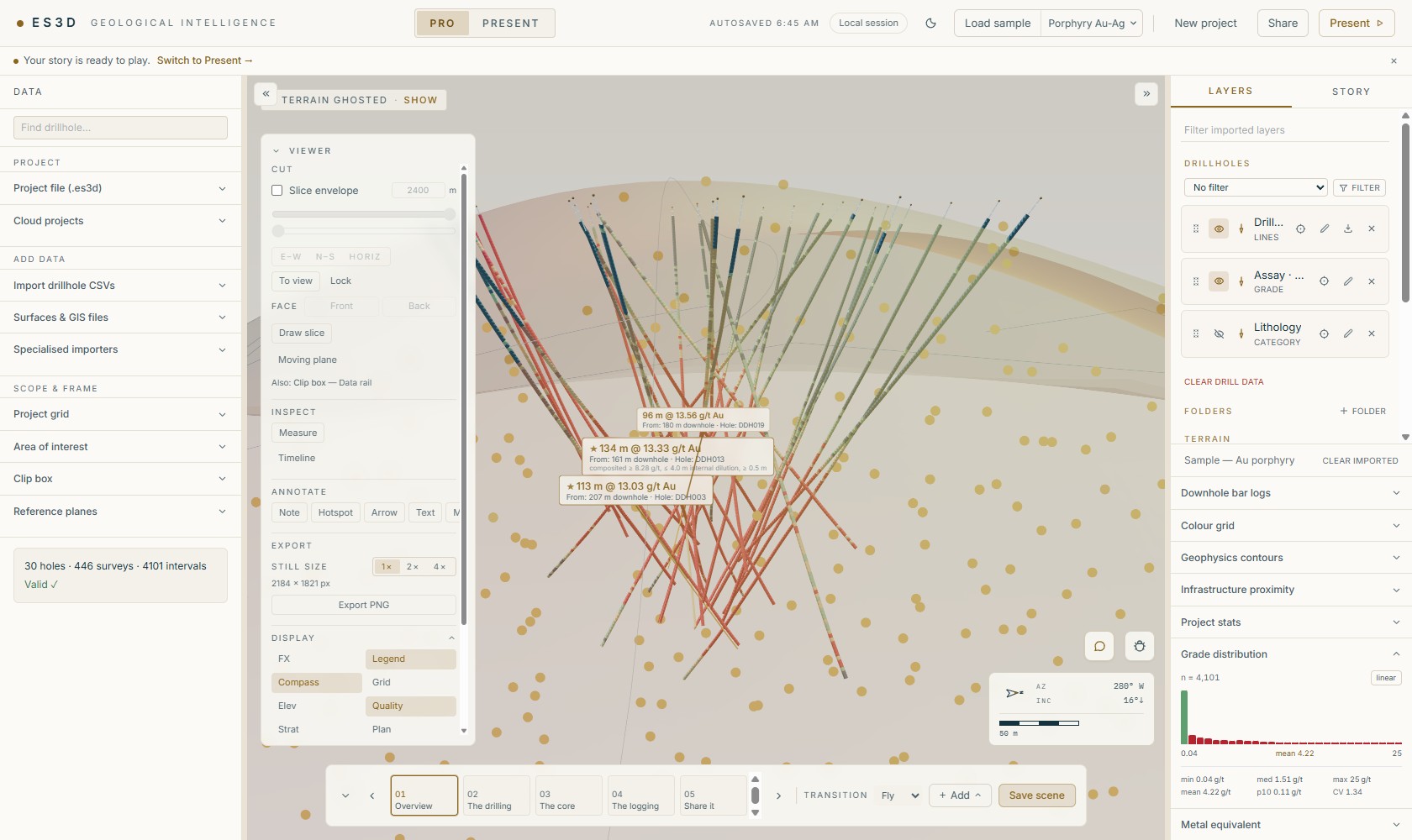
ES3D is two things in one browser tab: a Pro workbench where you and your team assemble the project and write the story, and a Present viewer that plays it for anyone with the link. An afternoon gets you a first tour; the address stays the same every time you update it.
How a tour gets made
Three moves, in one browser tab, with nothing for your audience to install. An afternoon is enough.
01 · Files in
Collars, surveys, assays and lithology, the claim outlines, the drone imagery and the meshes your geologists built. ES3D reads them where they are and flags what doesn’t reconcile.
02 · A scene
Frame the camera, write the headline, choose what’s on screen. Save it, and it becomes a beat of the story. Sela Creek has eleven.
03 · One link
One address plays the whole tour on a phone, a laptop or an investor site, with the disclosure carried along.
01 · Import
ES3D reads the formats exploration teams actually hold, checks them as they arrive, and says out loud when something doesn’t add up, before it reaches an investor.
Collar, survey, assay and lithology CSVs. Columns are recognised and mapped for you, desurveyed into true 3D traces, and validated interval by interval.
Shapefiles, GeoJSON and DXF for claims, targets, faults and geology; GeoTIFF for satellite and drone imagery and elevation, draped on terrain.
Bring the Leapfrog meshes your geologists already built straight in, in one coordinate frame with everything else, reprojected where the sources disagree.
02 · Visualise
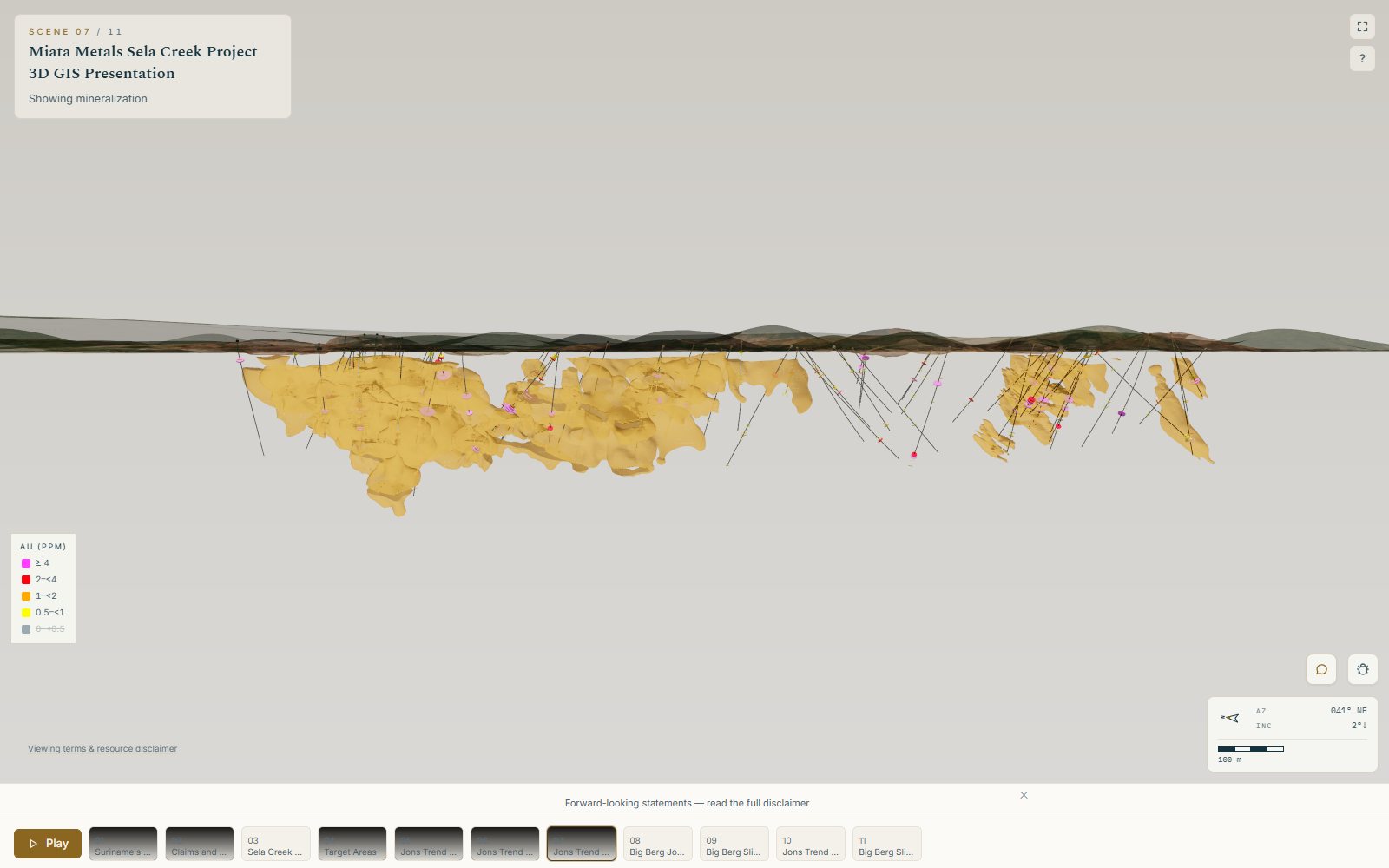
ES3D shows what you measured, where you measured it. New assays are a re-import, not a re-render, and the picture never reaches past the data behind it.
03 · Tell
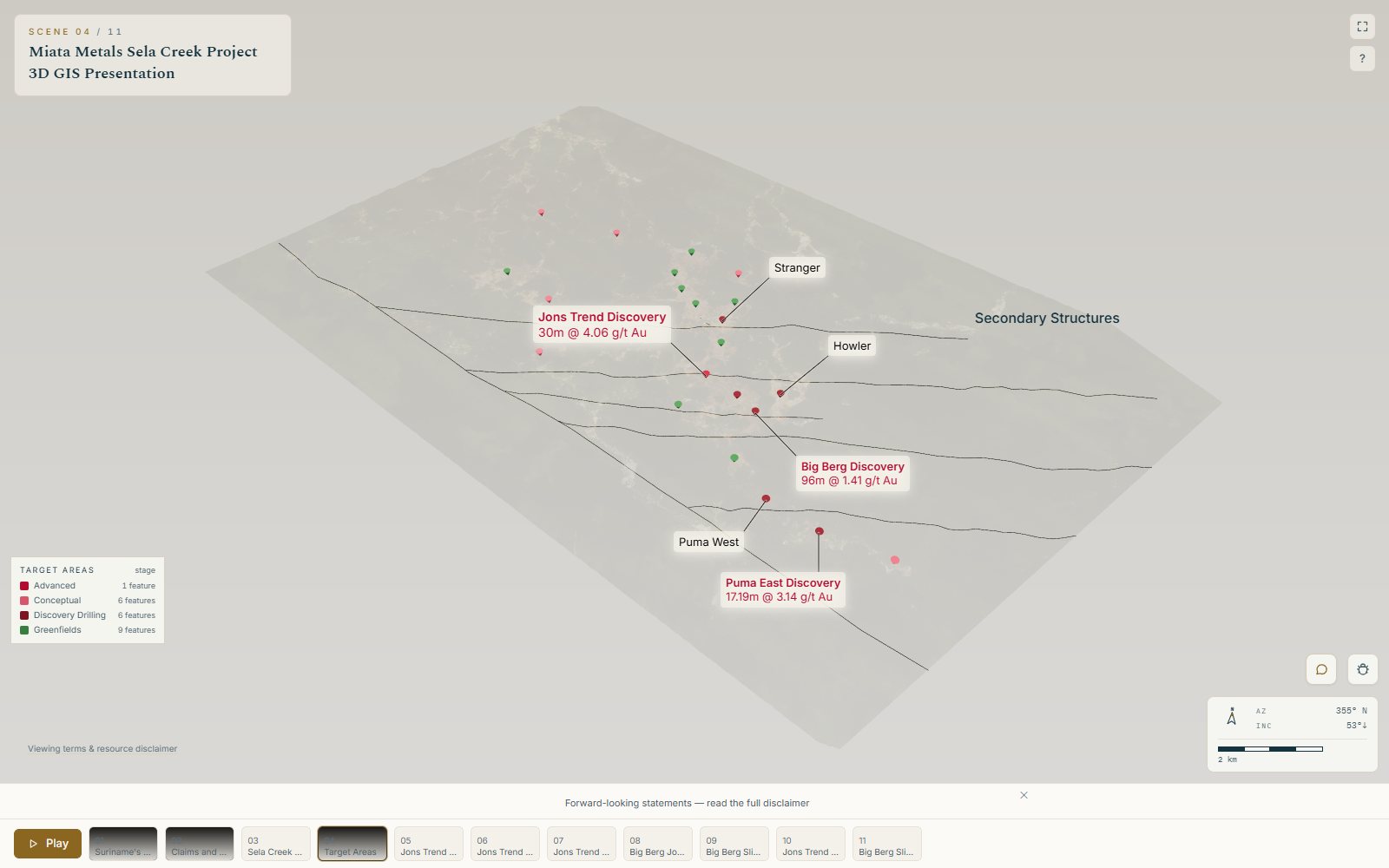
Frame the camera, write the headline and the narrative, choose what’s on and what’s cut. Save it. The story is the scenes in order, flown between with cinematic camera moves.
04 · Share
A tour isn’t a file you email. It’s a place people visit, and you choose how they get there.
Read-only, with optional expiry and a PIN that encrypts the story itself. Your company name and accent on every one.
Publish to exploration.rocks/e/your-project. Update the story and the address follows. Nothing to re-paste.
A ready iframe snippet, chromeless and read-only, with full screen that works on iPhone too.
Render the tour to MP4, or to a PowerPoint deck with a slide per scene, for the rooms a browser can’t reach.
Phones & tablets
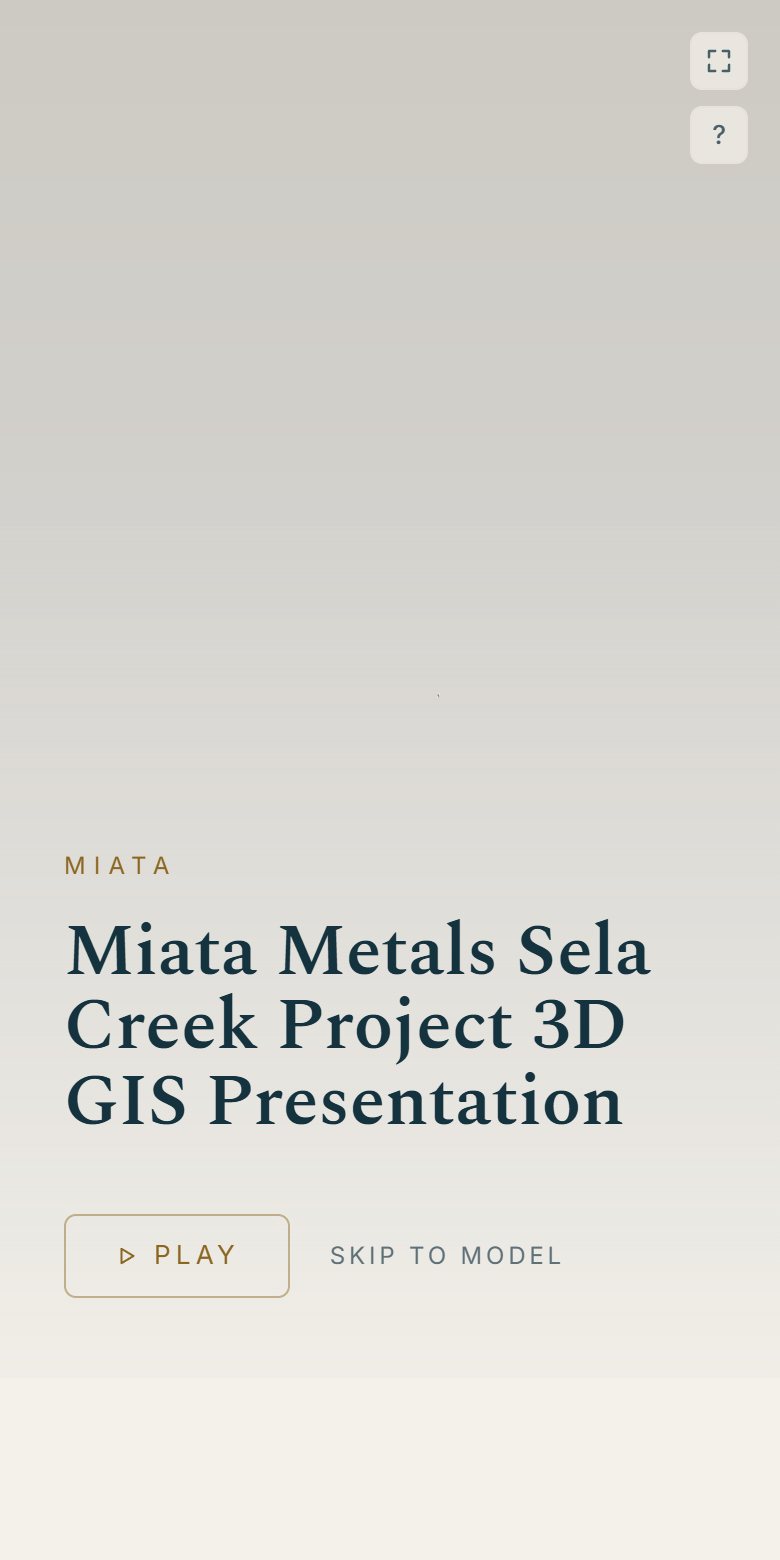
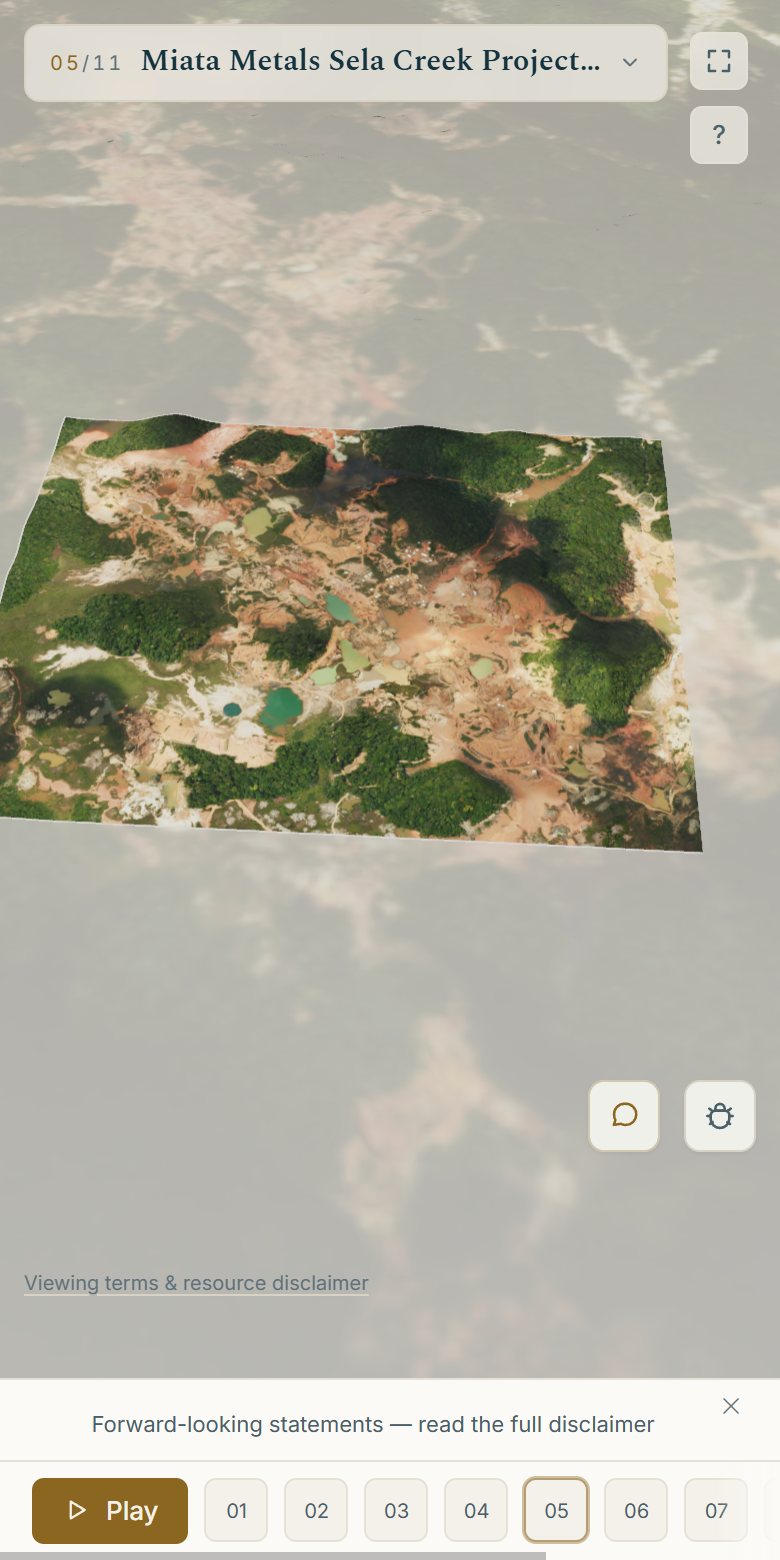
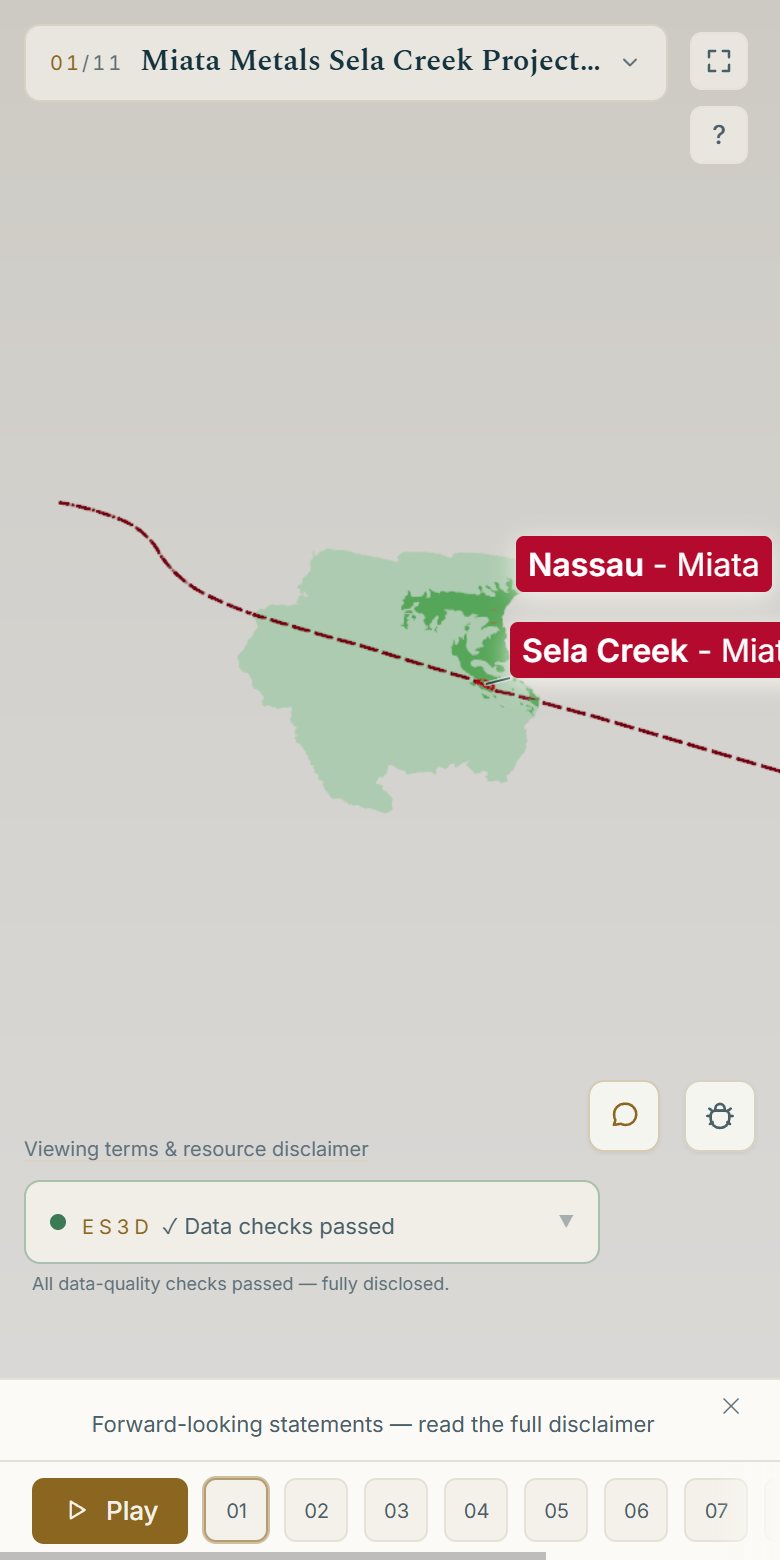
A phone is a viewer, not a workbench: it opens straight into the story, with a single-line scene card, a slim scene rail and every disclosure folded to a tap.
Present
The same tour you publish is the one you present. No separate deck to keep in sync.
Drive the tour and every follower’s screen moves with you: on a call, in a meeting room, at a booth.
Timed scenes, narration and gentle camera motion let a tour run by itself on a website or a trade-show screen.
Anonymous view analytics per link: opens, time on each scene, whether the narration played out, where people left.
Free for 7 days
Start a free 7-day trial and build with your own data, or explore our sample deposit first. No card needed.